How to Fix Cloudy Pond Water Fast with the Right Pond Filter System?
May 13, 2026
Cloudy pond water can be frustrating. One day your pond looks clear and beautiful, and the next day it turns dull or dirty. You may not even know what went wrong. This is a very common problem, especially for koi pond owners. But the good news is it can be fixed. In most cases, the real solution is using the right pond filter system. When your filtration works properly, your pond stays clean, balanced, and safe for your fish. Let’s understand why water becomes cloudy and how to fix it quickly with simple steps.
Why Does Pond Water Turn Cloudy?
Before fixing the problem, it’s important to know the cause.
Cloudy water usually happens because of:
- Fish waste is building up
- Overfeeding
- Dirt, leaves, and debris
- Poor water movement
- Weak or incorrect pond filter
Sometimes, even if your pond looks clean from the outside, tiny waste particles stay in the water. This makes it look cloudy.
Why a Pond Filter System? Is it the Real Solution?
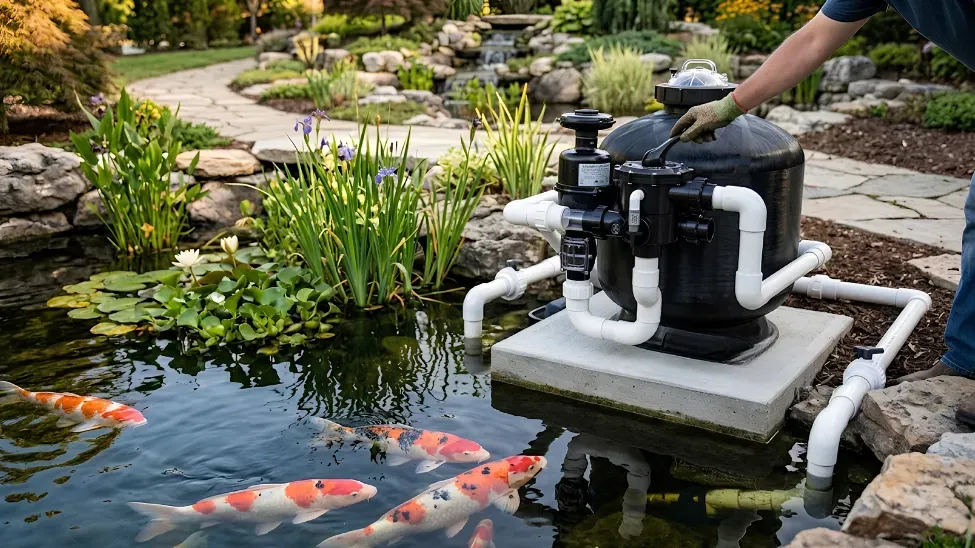
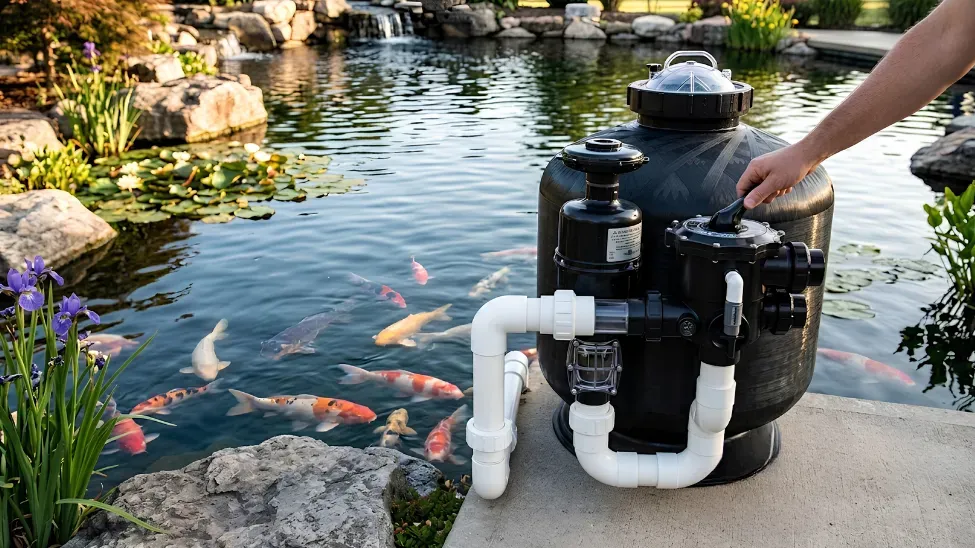
A proper pond filter system does more than simply clean the water. It keeps the entire pond balanced.
Here’s how it helps:
- Removes dirt and waste
- Breaks down harmful substances
- Keeps water clear
- Improves oxygen levels
- Supports fish health
If you are serious about filtering a pond, you need a system that works all the time, not just sometimes.
Quick Steps to Fix Cloudy Pond Water Fast
If your pond is already cloudy, don’t worry. Follow these simple steps:
1. Check Your Pond Filter First
The first thing you should check is your pond filter.
- Is everything clean?
- Does the water flow precisely?
- Is the size correct?
If your filter is blocked or too small, it won’t clean water properly.
2. Clean Your Filter System
Dirty filters cannot clean water.
- Wash your pond filters
- Remove debris and dirt
- Check if any part is blocked
Regular cleaning improves performance instantly.
3. Improve Water Flow
Still water becomes dirtier faster.
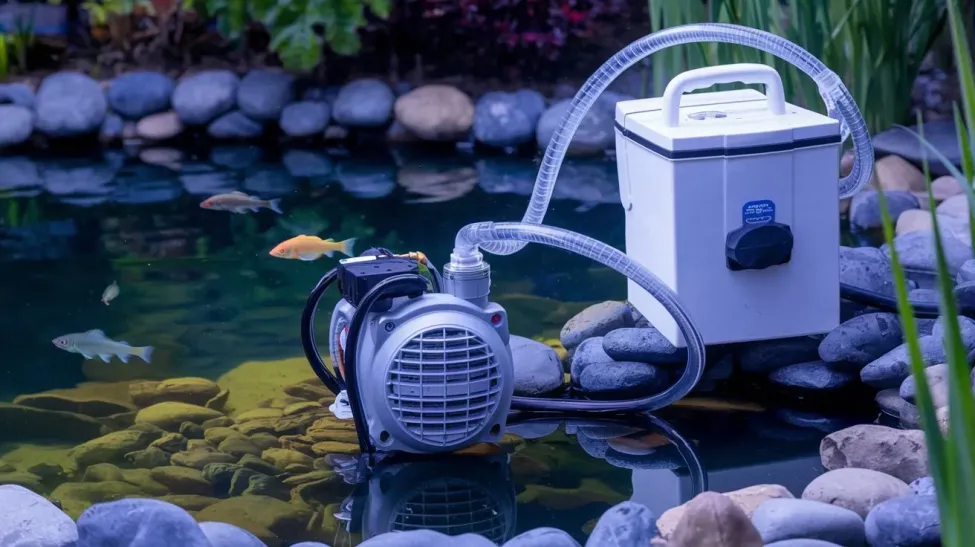
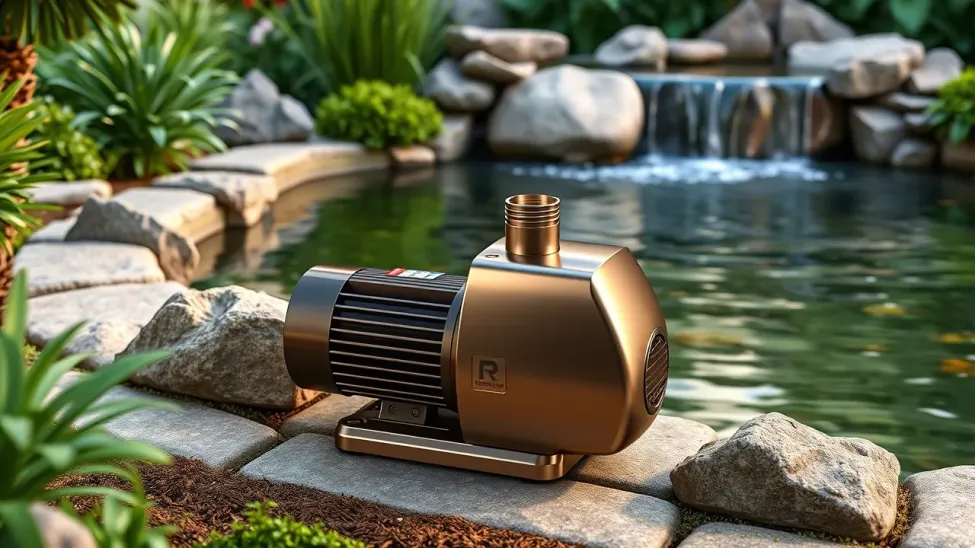
- Make sure your pump is running.
- Check for blockages
- Ensure water is moving across the pond
Good flow helps your filters for a pond work better.
4. Reduce Feeding
Overfeeding is a common reason for cloudy water.
- Feed less food
- Remove leftover food
- Feed only what fish can eat quickly
Less waste means cleaner water.
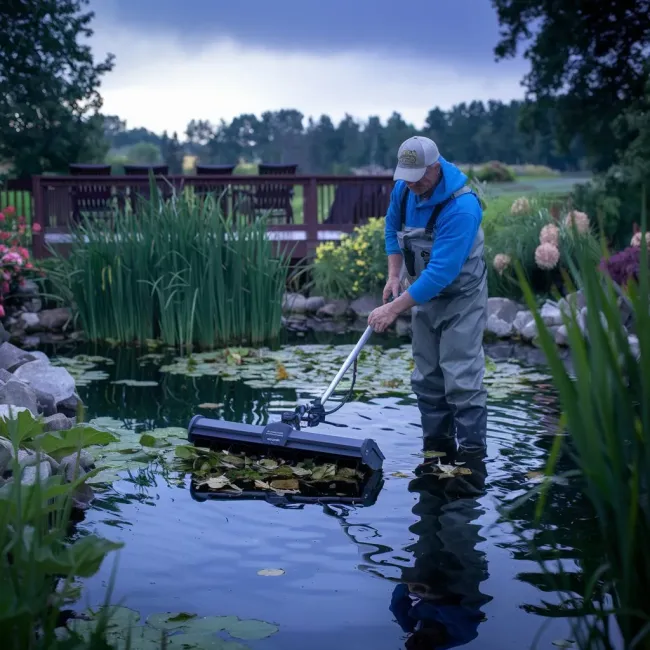
5. Remove Debris from Pond
Leaves, dirt, and waste increase cloudiness.
- Use a net to clean the surface
- Remove sludge from the bottom
- Keep the pond surroundings clean
This helps your koi pond filters work more effectively.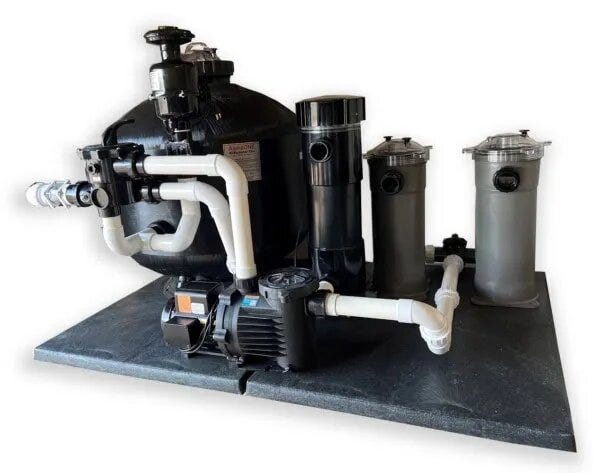
Choosing the Proper Pond Filter System
Not all filters are the same. Choosing the right one makes a big difference.
Here’s what you should keep in mind:
- Size of Pond
- Number of fish
- Type of fish (koi need stronger filtration)
- Water flow rate
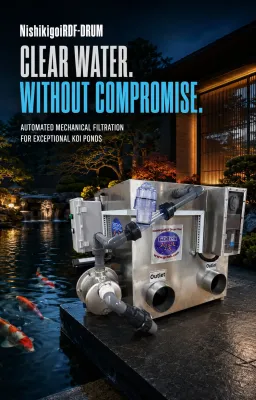
A strong koi carp pond filter is important if you have koi fish because they produce more waste.
Best Filters for Koi Ponds
Koi ponds need better filtration than regular ponds.
Good koi carp pond filters should:
- Handle heavy waste
- Keep water clear
- Support high oxygen levels
Choose premium koi pond filters made for heavier loads if your pond has a lot of koi.
Common Mistakes That Make Water Cloudy
Many pond owners unknowingly make mistakes.
Avoid these:
- Using a small pond filter
- Not cleaning filters on time
- Turning off the filtration system
- Overfeeding fish
- Ignoring water flow
These small mistakes slowly make the water dirty.
How Long Does It Take to Clear Water?
Many people ask this.
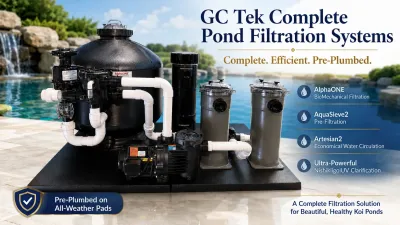
If you use the right Complete pond filter system:
- Light cloudiness clears in 1–3 days
- Moderate cloudiness may take 3–7 days
- Heavy cloudiness may take longer
Be patient. Good filtration takes a little time but gives lasting results.
Extra Tips for Better Results
To keep your pond clear for longer:
- Clean your filters daily
- Check water flow daily
- Avoid sudden changes in pond setup
- Maintain proper fish feeding
- Use good-quality filters for a pond
Small habits keep your pond healthy.
Signs Your Pond Is Getting Better
After fixing your system, look for these signs:
- Water starts clearing
- Fish become more active
- Less smell
- Better water movement
These signs show your Pond Filter System is working properly.
Ready for Clear Pond Water? Here’s What to Do Next
Cloudy pond water is a common problem, but it is easy to fix if you take the right steps. The most important thing is using a proper pond filter system and maintaining it regularly.
With the right setup, clean water becomes easy to manage. Your fish stay healthy, and your pond looks beautiful every day.
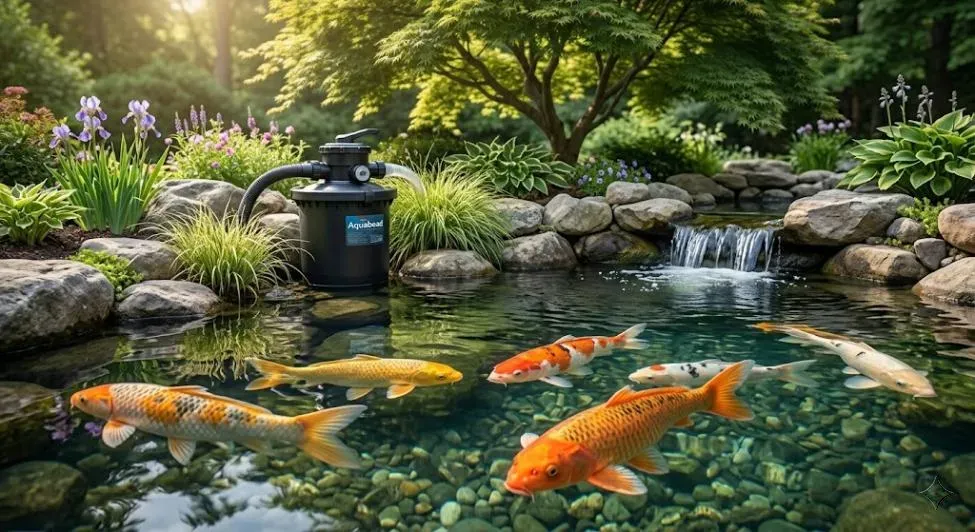
Keep Your Pond Clear with Aquabead
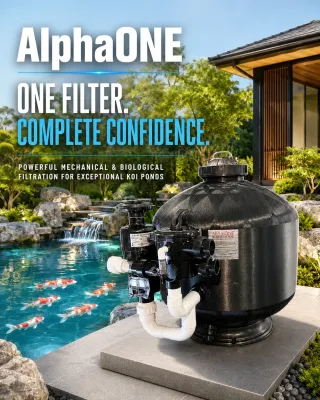
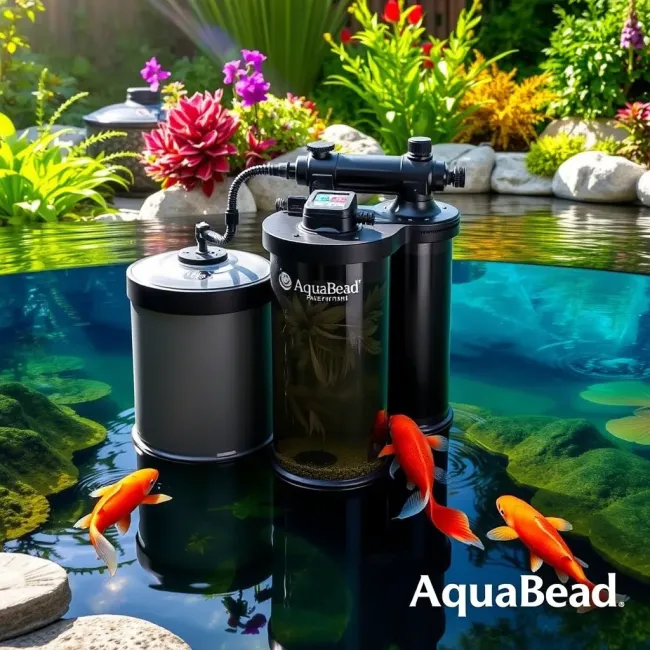
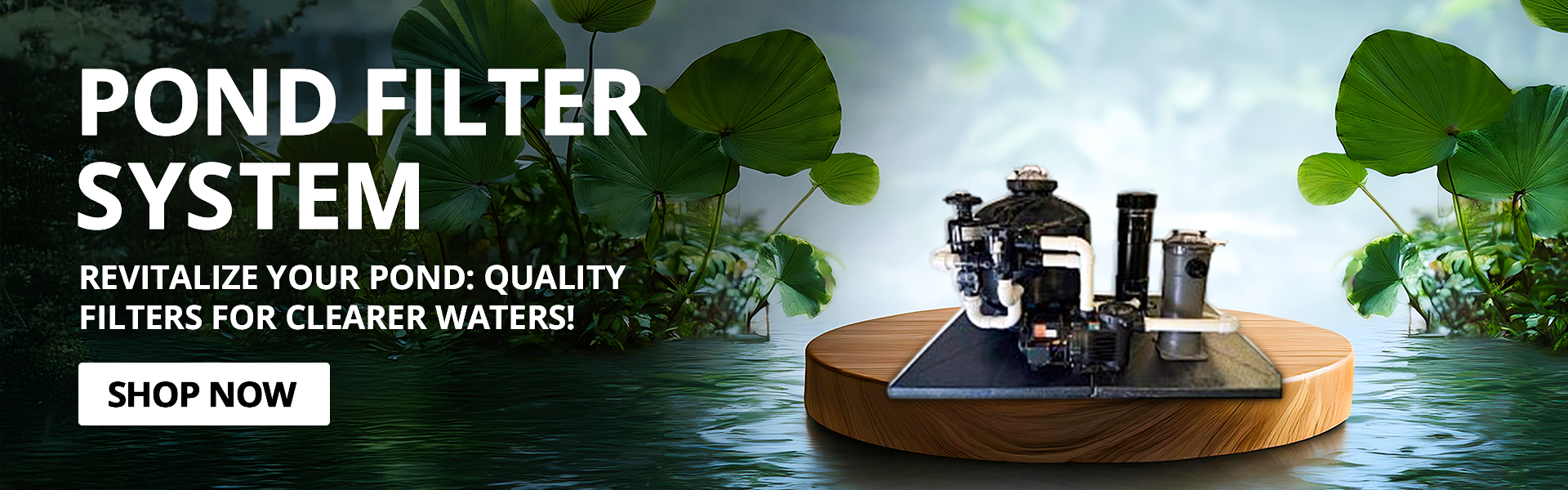
If you want a reliable and long-term solution, order your pond filter system from Aquabead today. Our systems are designed to handle real pond problems, including cloudy water, heavy waste, and poor filtration. With the right setup, you can enjoy clear water and healthy fish all year round.
FAQs
1. Why is my pond water still cloudy after I used a filter?
Your filter may be too small, dirty, or not running long enough.
2. How often should I clean my pond filter?
Every 2–3 weeks is a good routine for most ponds.
3. Do koi ponds need a special filter?
Yes, koi pond filters are stronger because koi produce more waste.
4. Can I fix cloudy pond water quickly?
Yes, with the right pond filter system and proper cleaning, it improves quickly.
5. Is it okay to turn off my pond filter at night?
No, it’s best to keep it running all the time for clean water.
6. What is the main cause of cloudy water?
The main causes are overfeeding, waste buildup, and poor filtration.
7. How do I know my pond filter is working properly?
Water looks clearer, smells fresher, and fish stay active.